Four ways to design
Combine basic shapes in Easy Tinker or use more detailed tools and modeling steps in Normal, Solid, and Fusion.
 Formnaro
 · Windows x64
Design parts for model making and 3D printing, repair imported meshes, and set assemblies in motion. Formnaro runs locally on Windows.
Windows download ↗0.127.0 Nightly r9 · Preview release · Windows x64
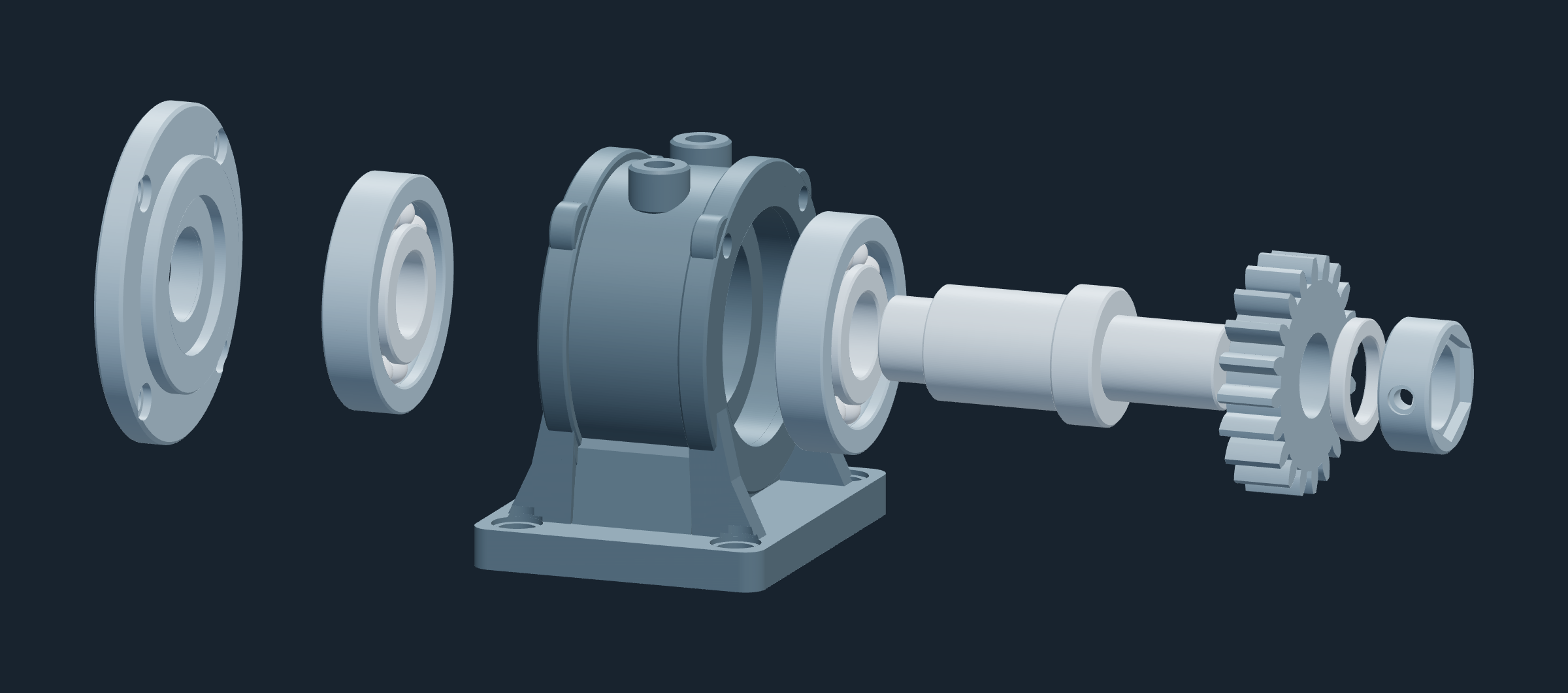
Combine basic shapes in Easy Tinker or use more detailed tools and modeling steps in Normal, Solid, and Fusion.
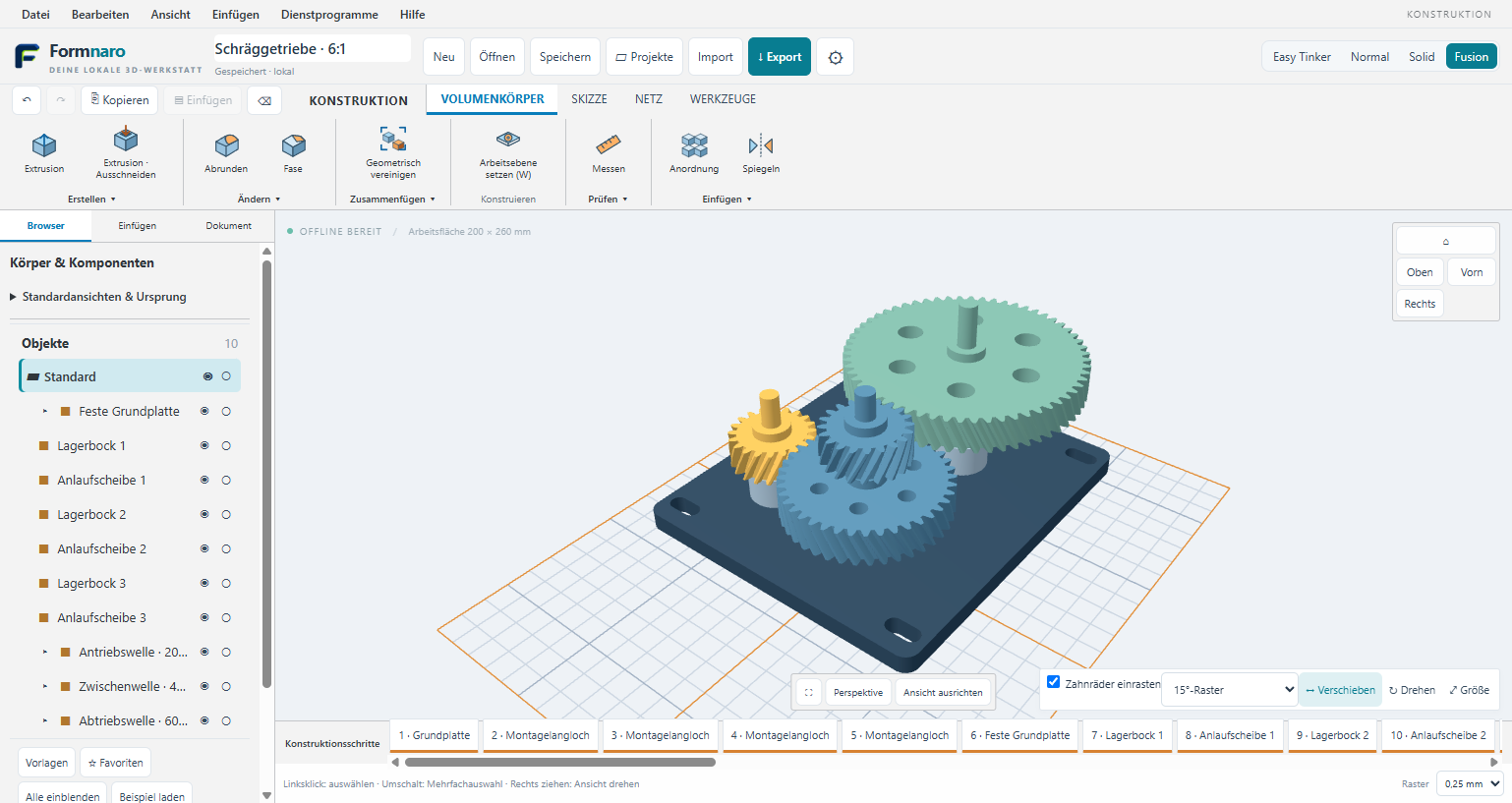
Connect parts with joints and couplings. In the 6:1 gearbox example, moving the input shaft drives the other gears through their couplings.
Model offline and optionally use AI for modeling tasks, reference images, and help with the interface.
Explore AI connections and models →Sample project · Mechanisms
This five-axis gantry mill shows what joints and couplings can do. The tool head travels, the rotary table turns, and the pinion follows the tilting cradle through a 48:20 gear coupling.
The clip shows the joints moving in Formnaro. Open the sample project to move the axes yourself.
Download the editable sample ↗Practice mode · Step by step
Give the AI a task, such as building and coupling three gears. In a separate practice window, a visible mouse pointer shows you where to click in Formnaro, which tools and dialogs to open, and which values to enter, step by step.
The demonstration uses the same controls you use when modeling. Pause to take a closer look at any step, then try it yourself.
Development preview: We’ve also tested running an exercise on a copy of an existing project. You decide whether to accept the result at the end. Until then, your project stays as it was.
STL to CAD · STL → STEP
Have a bracket as an STL and need to add another hole? An STL describes the surface with triangles. The local converter tries to reconstruct CAD surfaces such as planes and cylinders, so you can edit suitable models as solids.
The preview groups triangles by color. You can split, merge, or protect surface regions as needed.
Overlay the original and the result to inspect the displayed deviations in millimeters. The converter also checks the resulting STEP by reading it back.
Save the result as STEP or preview it before bringing it into your Formnaro project. Conversion runs locally.
The STL does not contain the original sketches or feature history. Open or damaged meshes may need repair first.
Converter guide on GitHub (German) ↗Captured in a Formnaro development build. Click an image to see its toolbar at full size.
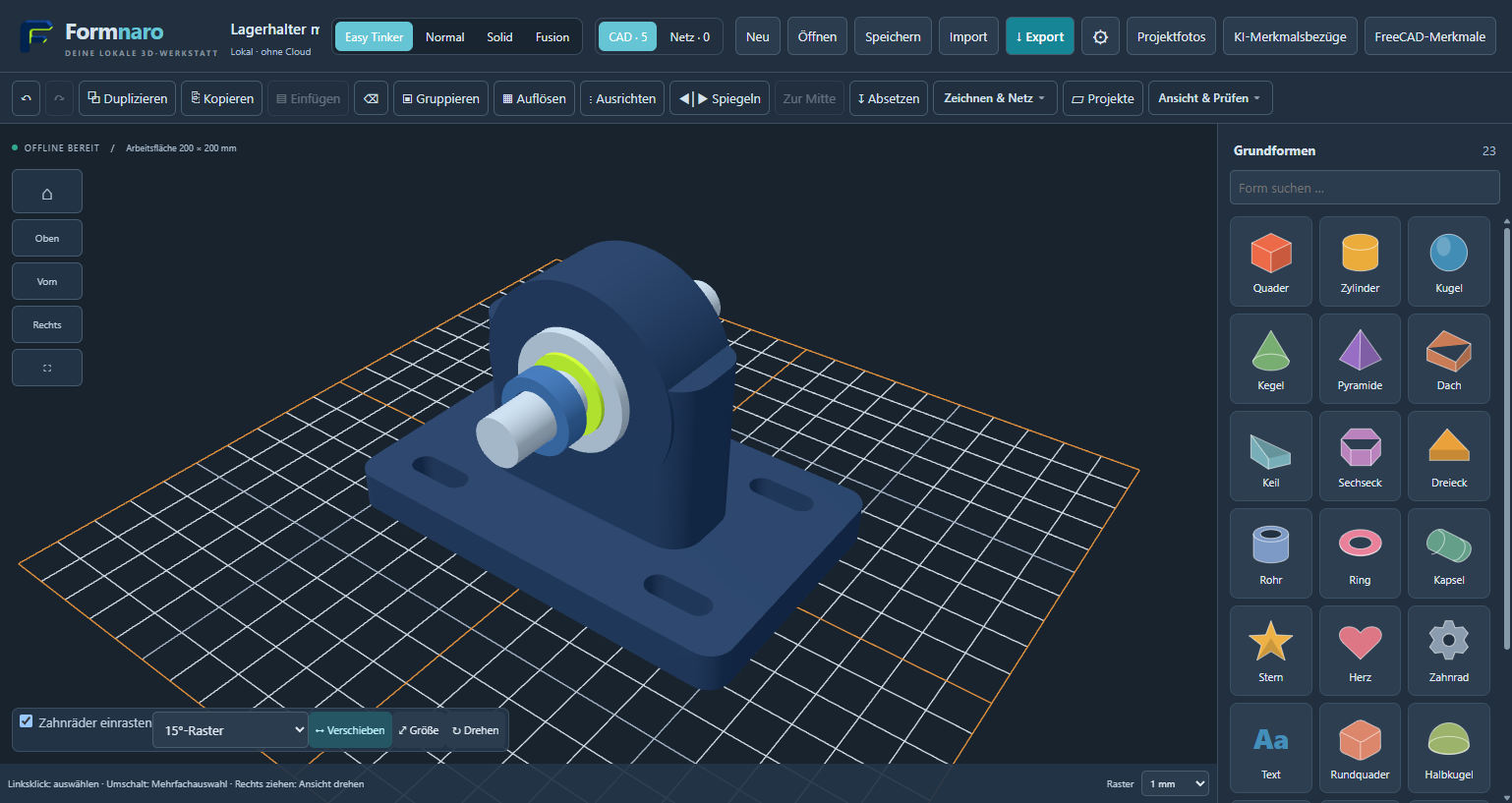
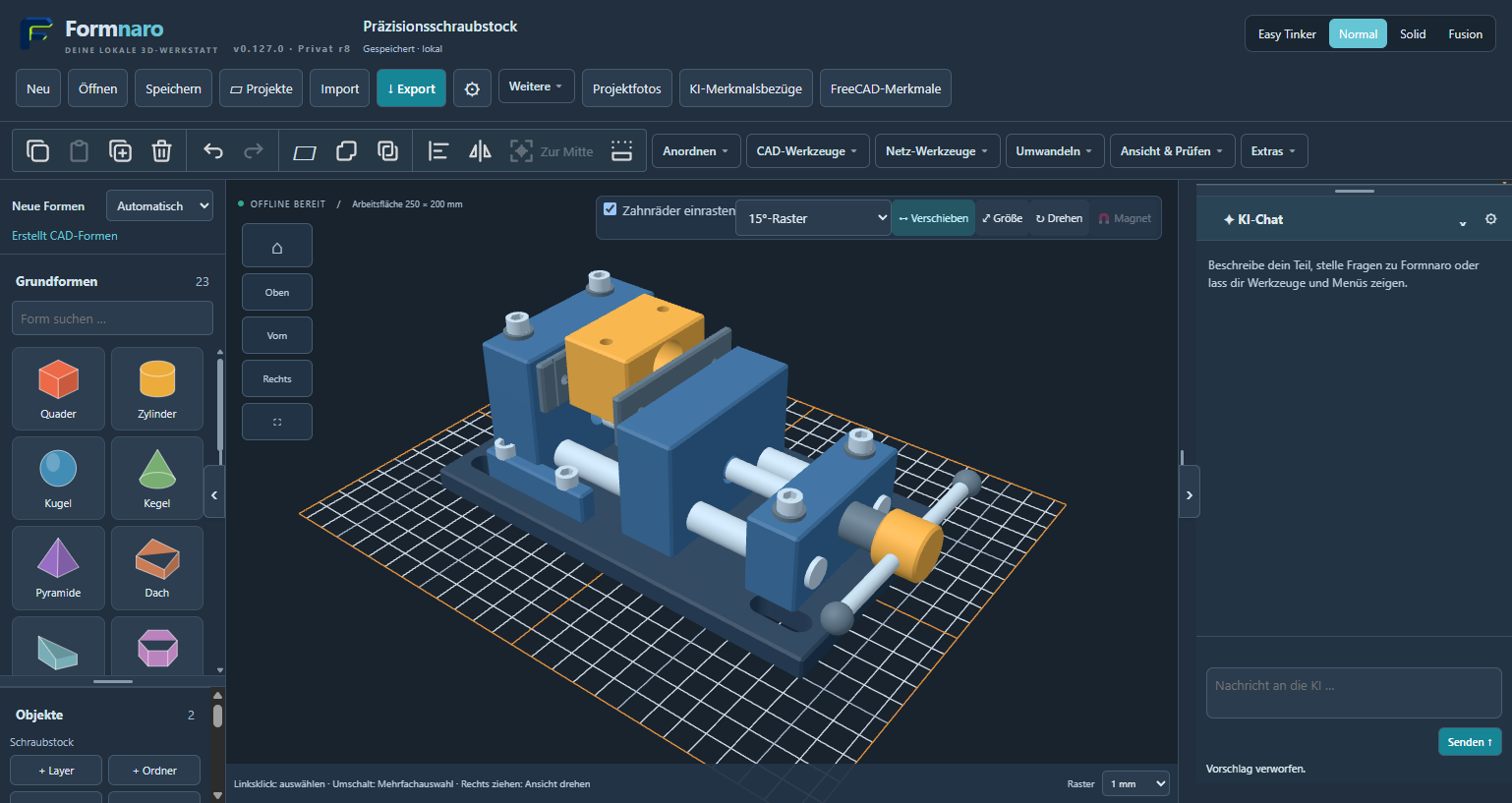
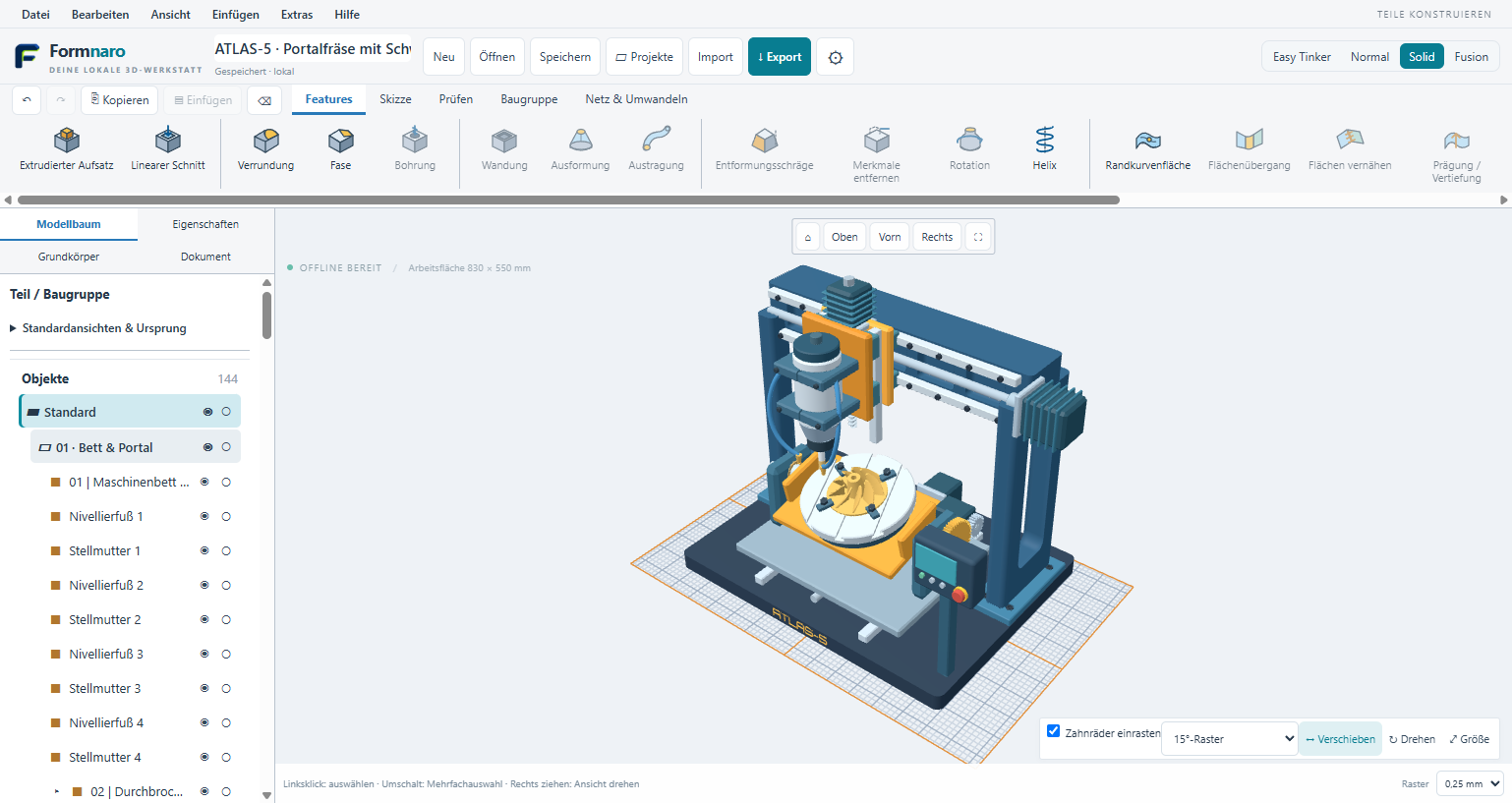
Download and fully extract the portable Windows ZIP, then open Formnaro. Try a sample project to get to know the tools.
Read the GitHub guide ↗